| Document Collection |
| Bulk & Scheduled Send |
Limited |
Superior |
Send to lists of up to 500 borrowers and schedule sends. Gen 1 caps out around 50 contacts with locked templates. |
| Ongoing Reminders |
|
|
No more 2-week cap. Reminders continue until documents are submitted, cutting manual chasing. |
| Bulk Invite Actions |
|
|
Archive, reassign, or update due dates across multiple invites at once instead of one by one. |
| Recurring Invites |
|
|
Automate document requests sent on the same schedule every year to the same borrowers. (Purpose-built for annual reviews in loan servicing). |
| Template Library |
Limited |
Superior |
Rebuilt with category/subcategory organization by loan type. Select multiple templates at once to assemble a full loan package. |
| Borrower Portal |
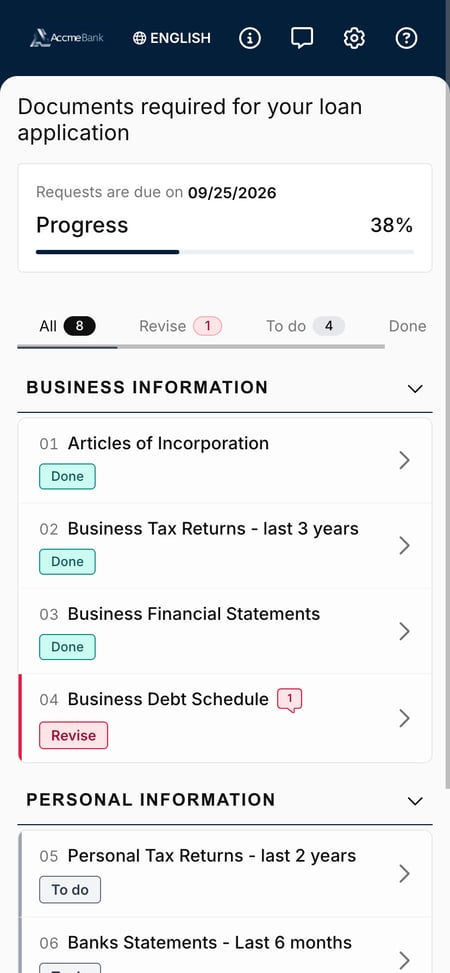
| Mobile-First Redesign |
Limited |
Superior |
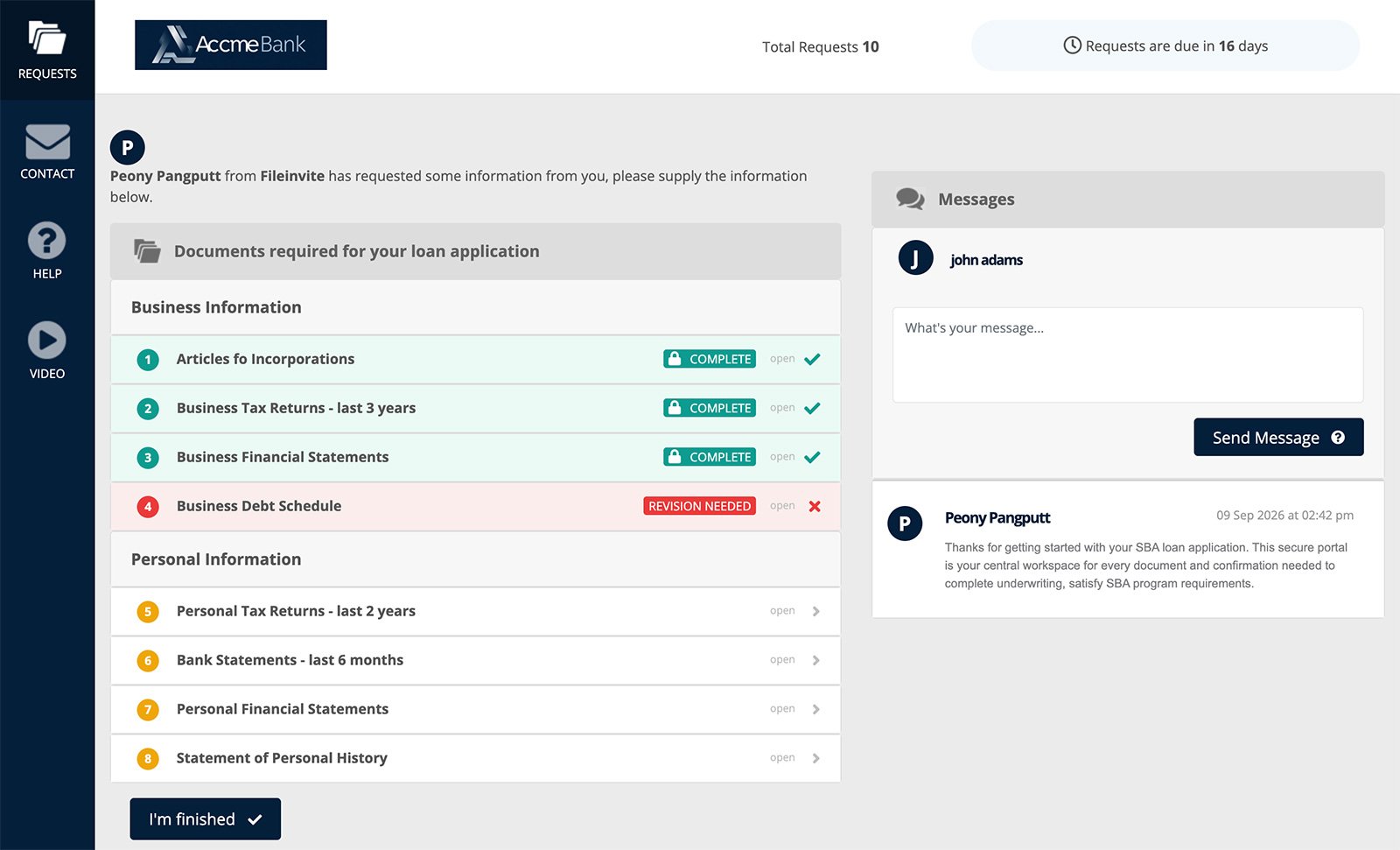
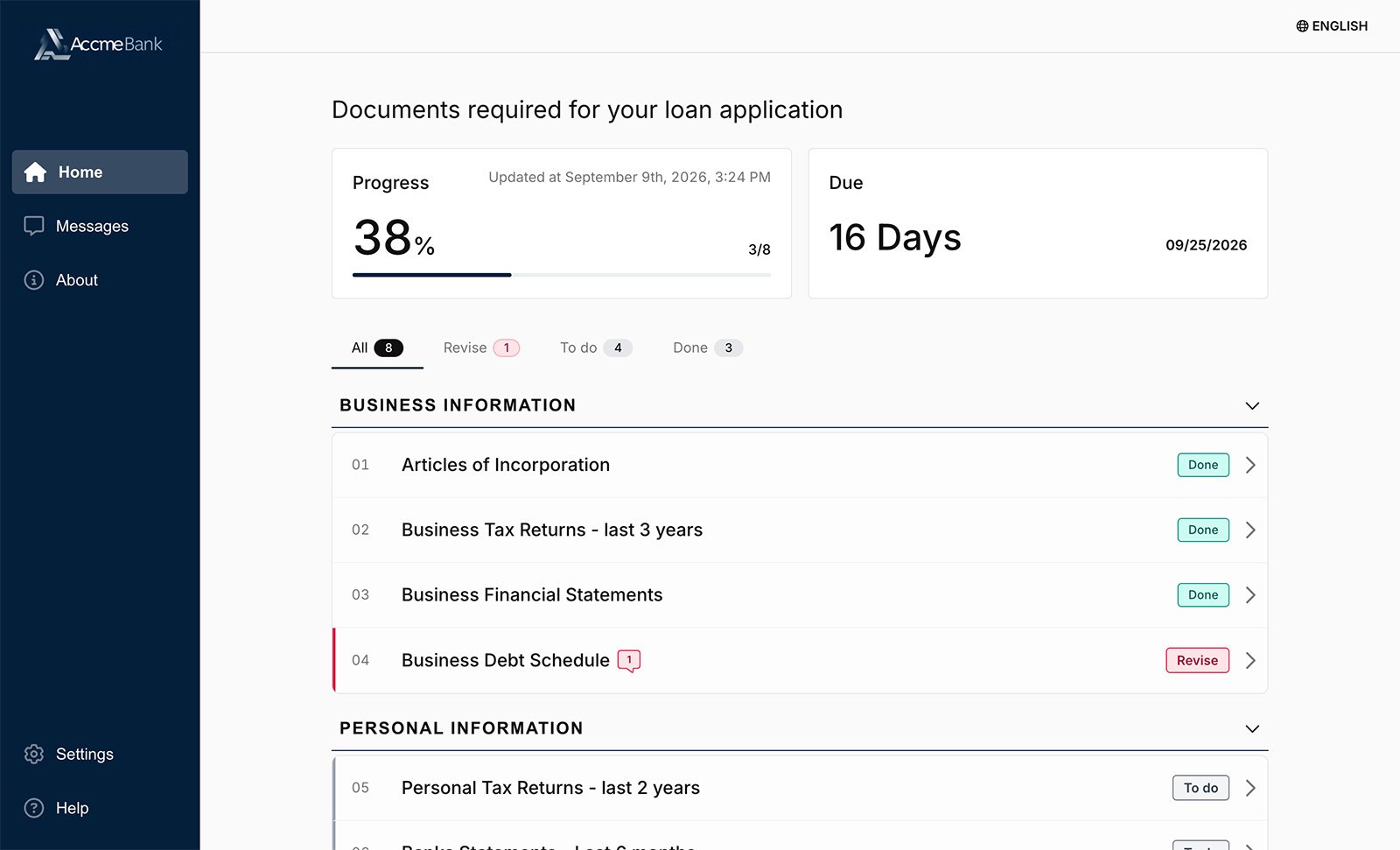
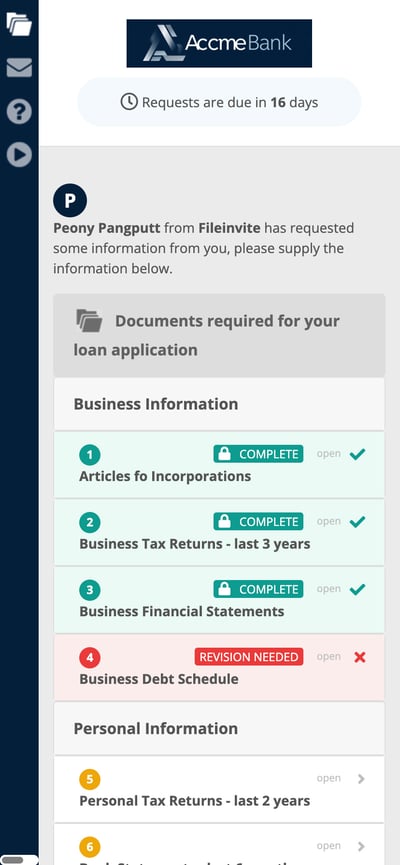
Progress bar, instant submission, and grouped requests reduce borrower drop-off. |
| Multilingual Support |
|
|
Borrowers can complete requests in their preferred language: English, Spanish, Dutch, German, or French. |
| OTP Authentication |
|
|
Email/SMS one-time PIN meets enterprise and financial-institution access requirements. |
| Signatures & Forms |
| Persistent Signatures |
|
|
Sign once, applies across every form in the invite. No repeat signing on multi-form applications. |
| Collaboration |
| Request-Level Comments |
|
|
Two-way, contextual conversation between loan officers and borrowers on a specific document, instead of one-way notes. |
| Redesigned Invite Console |
Limited |
Superior |
Create Invite flow reorganized into Contacts, Schedule, Requests, and Invite Management, with multi-select bulk actions across requests. |
| Multi-Party Collaboration |
|
|
Multiple borrowers can contribute to the same request. (Purpose-built for joint applications and multi-director entities). |
| Security & Compliance |
| Custom Roles & Permissions |
Limited |
Superior |
Gen 1 offers basic admin/user/viewer roles; Gen 2 allows granular, compliance-aligned custom roles. |
| SSO & Active Directory |
|
|
Enterprise clients can enforce sign-in through their own identity provider (Azure AD, Okta). |
| Automated PDF Redaction |
Limited |
Superior |
Fully automated removal of sensitive information (SSNs, TFNs) from uploaded documents, versus manual review in Gen 1. |
| AI & Automation |
| AI Smart Matching |
|
|
Uploaded documents are automatically identified and matched to the right request even without context. |